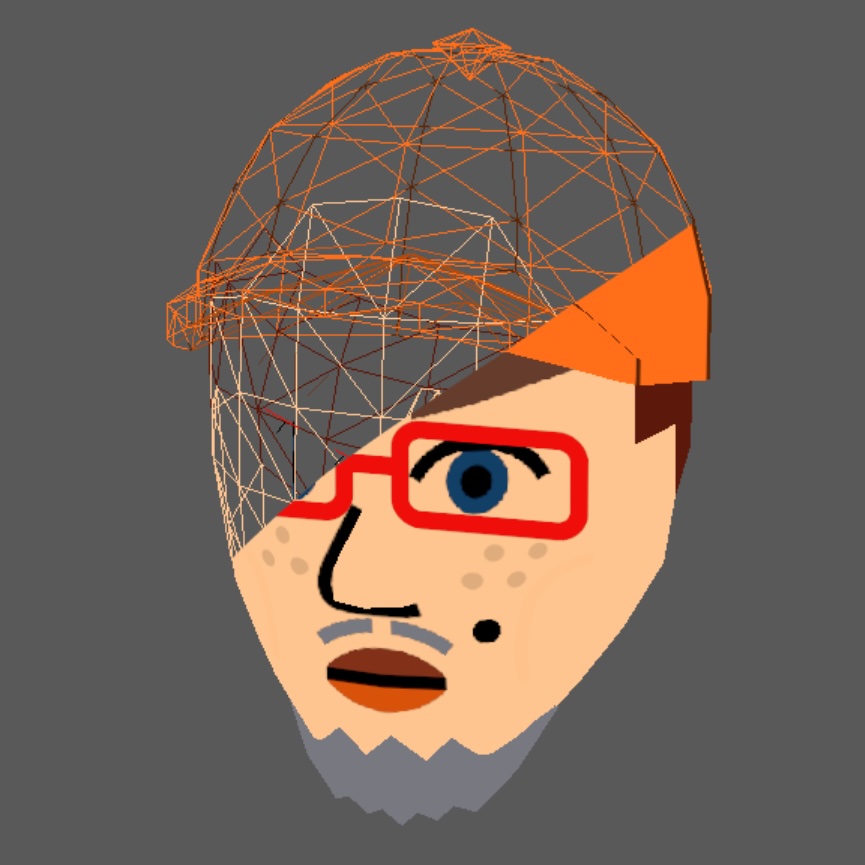

Mask: Difference between revisions
m mustache/eyebrow/eye directions |
|||
| (One intermediate revision by one other user not shown) | |||
| Line 7: | Line 7: | ||
== Intermediate texture == | == Intermediate texture == | ||
[[File:Masktex.png|alt=Mask texture of the face|thumb|200x200px|The mask texture.]]The mask texture is composed of the following textures in the order: | [[File:Masktex.png|alt=Mask texture of the face|thumb|200x200px|The mask texture.]]The mask texture is composed of the following textures in the order<ref>https://github.com/SMGCommunity/Petari/blob/629da989f8e8f166f330a1e9d32ae70f78e302df/src/RVLFaceLib/RFL_MakeTex.c#L755-L771</ref><ref>https://github.com/aboood40091/ffl/blob/73fe9fc70c0f96ebea373122e50f6d3acc443180/src/FFLiRawMask.cpp#L102-L109</ref>: | ||
# [[Mustache]] | # [[Mustache]] (Right, Left) | ||
# [[Mouth]] | # [[Mouth]] | ||
# [[Eyebrow]] | # [[Eyebrow]] (Right, Left) | ||
# [[Eye]] | # [[Eye]] (Right, Left) | ||
# [[Mole]] | # [[Mole]] | ||
== References == | |||
<references /> | |||
{{Render-Navbox}} | {{Render-Navbox}} | ||
[[Category:Face part]] | [[Category:Face part]] | ||
Latest revision as of 14:13, 24 September 2025

In Mii rendering, the mask is part of the face. The mask model is a curved model placed in front of the faceline, and a texture is projected onto it. The mask texture is composited of some or all of the contained textures below.
Model-texture modulation
[edit | edit source]When the finished texture is rendered onto the model, the Texture Direct strategy is used in Color Modulation.
Intermediate texture
[edit | edit source]
The mask texture is composed of the following textures in the order[1][2]: